

Nearly every camera in this catalog exists to remove a wire. Some remove the power cable, some remove the network cable, a few remove both. That is a genuinely useful thing to sell, because the places people most want a camera, which is the garage, the gate, the barn, the side return, the cabin, are exactly the places with no outlet and weak WiFi.
The difficulty is that the product names do not tell you which wire a given model removes, or what it costs you to remove it. Solar, battery, 4G, floodlight and PoE appear across the range in combinations that look interchangeable on a listing page and are not interchangeable at all in a real installation. Buy the wrong one and you do not get a slightly worse camera. You get a camera that goes flat in January, or one that cannot see your router, or one that quietly stops recording the thing you bought it to record.
So this guide sorts the ieGeek range by the problem each model actually solves, and is blunt about the one specification that decides whether any of it works: how much power the camera needs to do the job you have in mind.
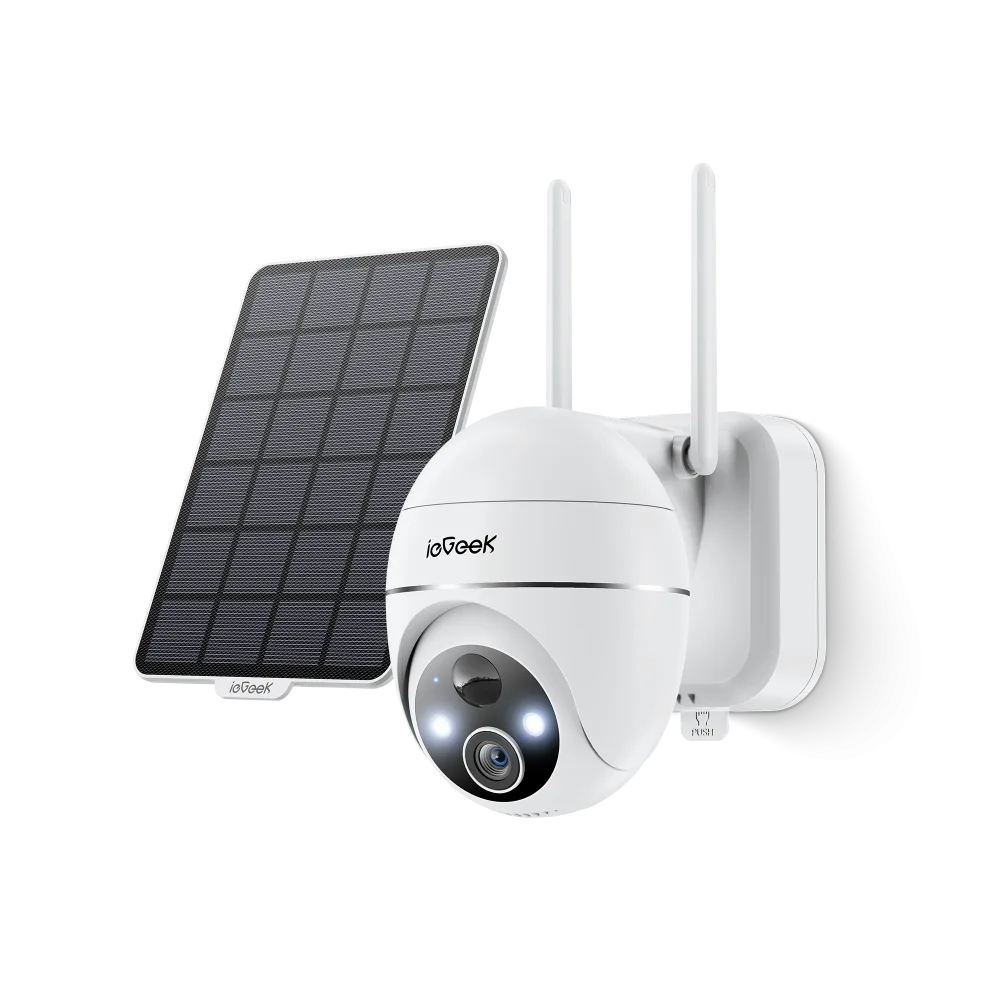
Quick Picks
| If your problem is… | Pick | Power | Network |
|---|---|---|---|
| No outlet, decent WiFi reaches the spot | Solar Security Camera ZS-GX1S | Battery plus panel | 2.4GHz WiFi |
| No outlet and no WiFi at all | 4G LTE Security Camera S11 | Battery plus panel | Cellular SIM |
| You need a continuous record, off grid | 4G 24/7 Recording Camera ZY-G4 | Battery plus panel | Cellular SIM |
| A dark side path with nothing on it | Solar Wall Light Camera S4 | Integrated solar | 2.4GHz WiFi |
| A driveway you want lit, outlet nearby | Floodlight Camera ZY-E2 | Mains wired | 2.4GHz WiFi |
| Real continuous recording you can trust | POE System IE92 | Power over Ethernet | Wired |
| Seeing who is at the door | Doorbell Camera Bell J10 | Battery or wired | 2.4GHz WiFi |
| Watching a nursery on a dedicated screen | Baby Monitor Baby 7 | Mains wired | Direct link, no app |
Catalog surveyed in October 2026 from the brand’s own storefront: 44 listings, of which roughly 35 are cameras and the rest are panels, mounts and SD cards. Specifications and availability below are the brand’s own published figures unless another source is named.
The one calculation that decides everything
Motion clips and continuous recording are not the same product
A battery camera that wakes on motion, records a short clip and goes back to sleep might draw power for a few minutes across a whole day. The same camera recording continuously is awake every second of every one of those days. The gap between those two duty cycles is not a percentage, it is a multiple, and no panel the size of a dinner plate closes it in December.
This matters here because the range sells both kinds, and the listing titles put them side by side. There are solar battery cameras, and there are models badged for 24/7 or always on video recording. If you buy a solar battery camera and then switch it to record continuously, you have not unlocked a feature. You have guaranteed the complaint that owners of this category write most often.
Three ways to cut a wire, and what each one costs you
Battery alone removes the outlet and hands you a recharging chore. Fine on a shed you pass every week, tiresome on a second floor gable.
Battery plus a solar panel removes the chore, and replaces it with a dependency on sun. A north facing wall, a deep eave, a long overcast winter or a panel under snow all cut the input, and cold weather reduces what a lithium cell will give back at the same time. This is the combination most of this catalog is built around, and it is excellent on a south facing wall and frustrating on the wrong one.
Cellular, meaning 4G LTE removes the WiFi instead. This is the genuinely useful niche in the range and the reason to look at this brand rather than a supermarket own label. A gate four hundred feet from the house, a paddock, a building site, a boat, a remote cabin: none of these have a router, and no amount of solar fixes that. The cost is a SIM and a data plan, and video is the most data hungry thing you can ask a cellular connection to carry.
They look the same because they are the same body
Here are two cameras from the range side by side. One talks to your router and one talks to a cell tower. They solve completely different problems and you cannot tell them apart from the photograph.
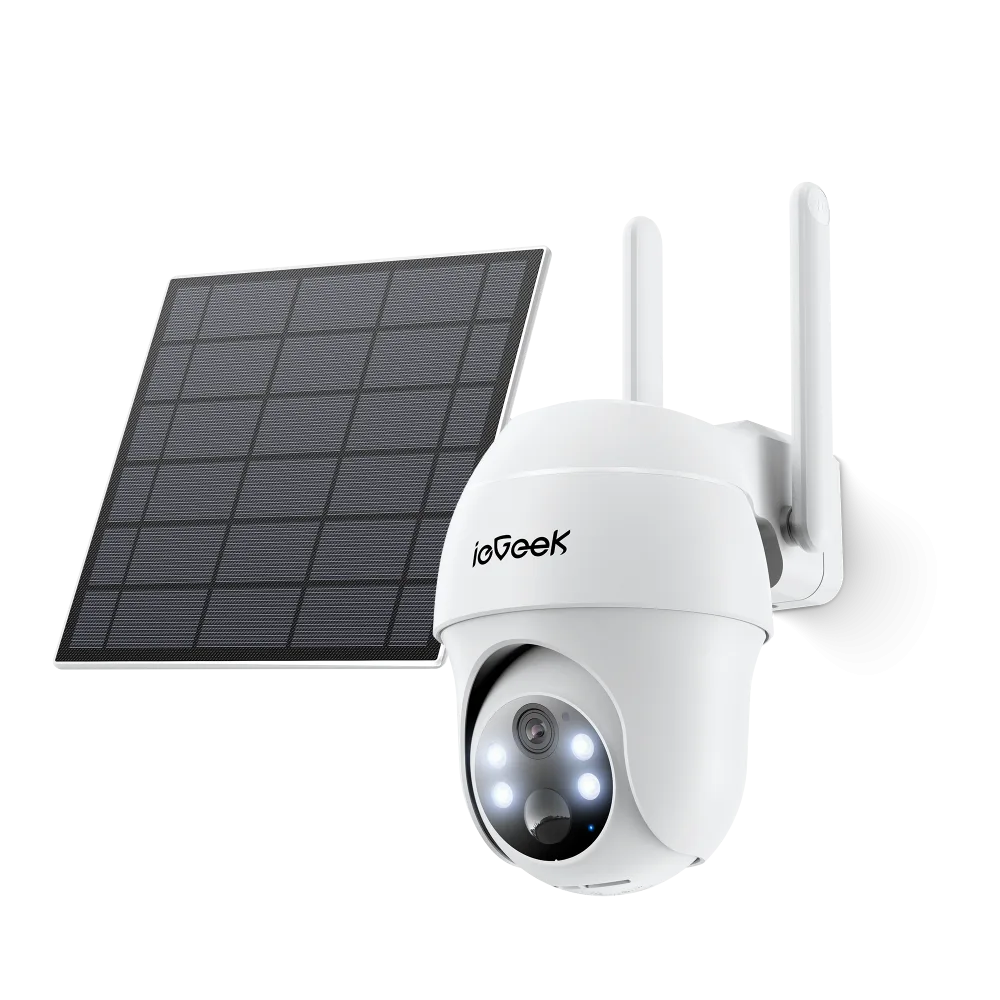
This is not a criticism of the hardware, it is a warning about how you shop. Read the connection type on the listing before anything else, because the picture will not tell you, and the model codes are close enough that a quick glance will not either.
Three more limits worth knowing up front
2.4GHz only. The WiFi models in this range connect on 2.4GHz and not on 5GHz. That is normal at this price and it is actually the better band for range, but it means a mesh network that pushes devices onto 5GHz needs attention during setup. One reviewer of the ZS-GX1S noted the signal becoming unstable beyond roughly a hundred feet from the router.
The zoom is digital. There is no optical zoom here. Zooming in crops and enlarges the pixels you already have, so a number plate that is unreadable at full frame stays unreadable when you zoom. Mount for the shot you need rather than planning to zoom later.
Alerts need tuning. Owners report false triggers, including one describing alerts firing on changing cloud cover, and another reporting a delay of around twelve seconds before motion registered. Expect to spend the first week adjusting sensitivity and detection zones rather than accepting the defaults.
The picks
1. Solar Security Camera ZS-GX1S, the default outdoor choice
The pan and tilt solar model is the one most people in this range should start with: it covers a yard from a single mount, it charges itself on a decent wall, and it is the model with the longest review history behind it. It is also the model whose limitations are best documented, which is worth more than a spec sheet. A 2023 review noted the 2.4GHz restriction, the hundred foot practical range and the digital zoom, all of which still apply.
Skip it if: the wall faces north, sits under a deep eave, or spends the winter in shade. Solar is not a feature on that wall, it is a recurring recharging appointment on a ladder.
2. 4G LTE Security Camera S11, for somewhere with no router
The cellular models are the reason to shop this brand specifically. A camera that needs nothing but sunlight and a cell signal can go on a gate, a field, a site hut or an outbuilding that no home network reaches. The related ZY-G3 was listed at $124.99 against a $169.99 compare at price when I checked in October 2026, ships with a SIM already installed and a short window of complimentary data, takes a card up to 128GB, and states plainly that it does not connect to WiFi at all.
Two cautions. That particular model was showing as sold out with only five reviews on the brand’s own site, which is thin evidence for a camera you intend to leave somewhere remote. And cellular video will use data in volume, so size the plan for the footage you expect rather than the footage you hope for.
Skip it if: WiFi already reaches the spot. You would be paying for a SIM to replace a connection you already own.
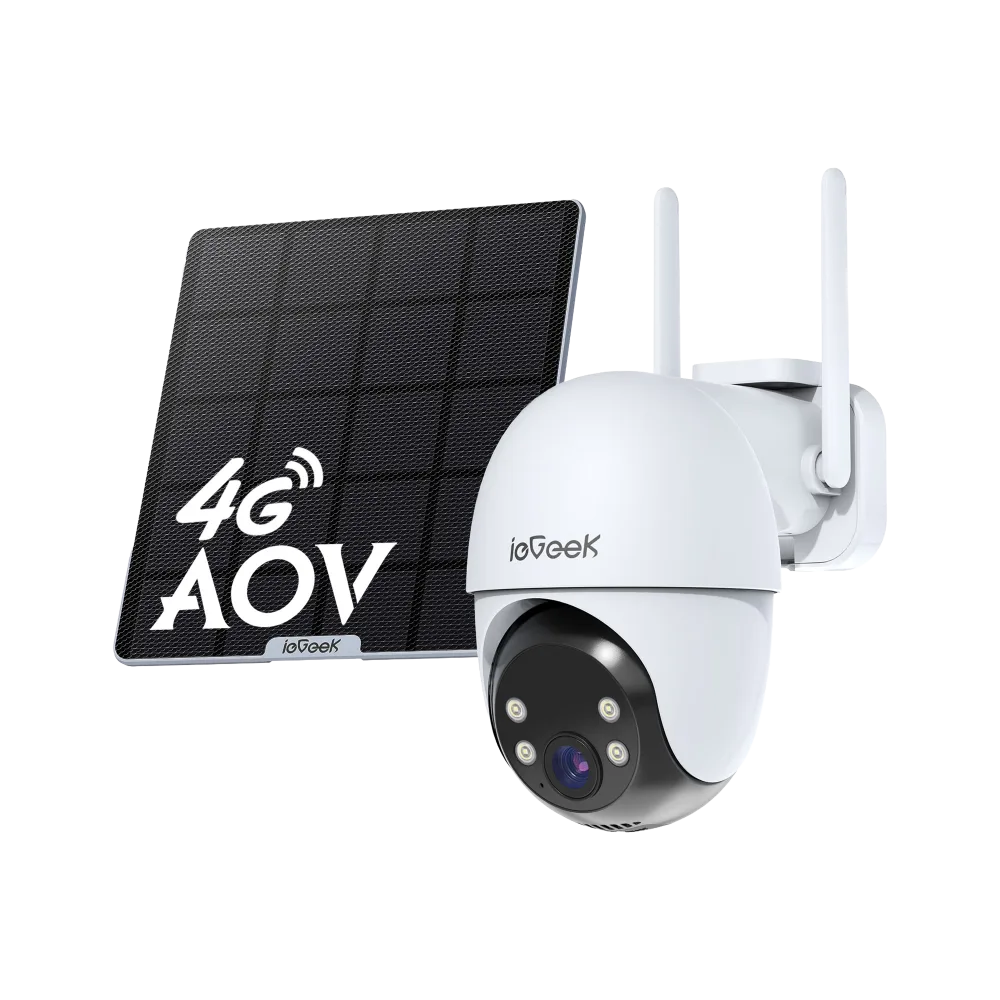
3. 4G 24/7 Recording Camera ZY-G4, the continuous one
This is the model for a site where you need an unbroken record rather than clips, and where there is no network to carry it. Everything in the power section above applies with force: continuous capture off grid is the hardest thing in this catalog to ask for, and it will be the most sensitive to a poor panel position, a shaded month or a cold snap.
Skip it if: mains power is available. A wired camera does continuous recording without any of this difficulty, and for less money.
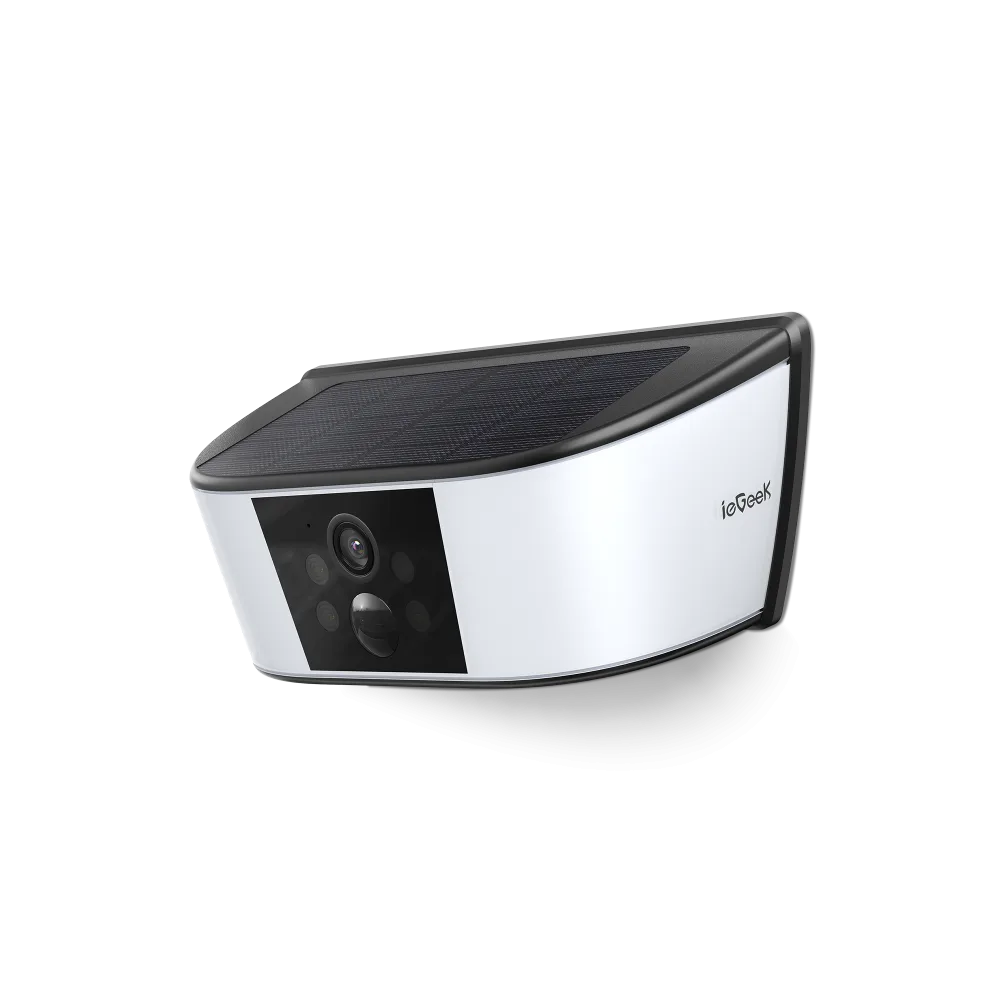
4. Solar Wall Light Camera S4, for a dark path
A different format: a solar wall light with a camera built into it, with the panel integrated into the top of the housing rather than mounted separately. It suits a side return, a back gate or a path where you want light first and footage second, and it avoids running two separate fittings.
The integrated panel is the trade off. A separate panel can be angled toward the sun while the camera points where you need it, and this one cannot. Mount it where the top of the fixture actually sees sky.
Skip it if: the spot is under a porch roof or a balcony. The panel is on top, so a sheltered mounting starves it.
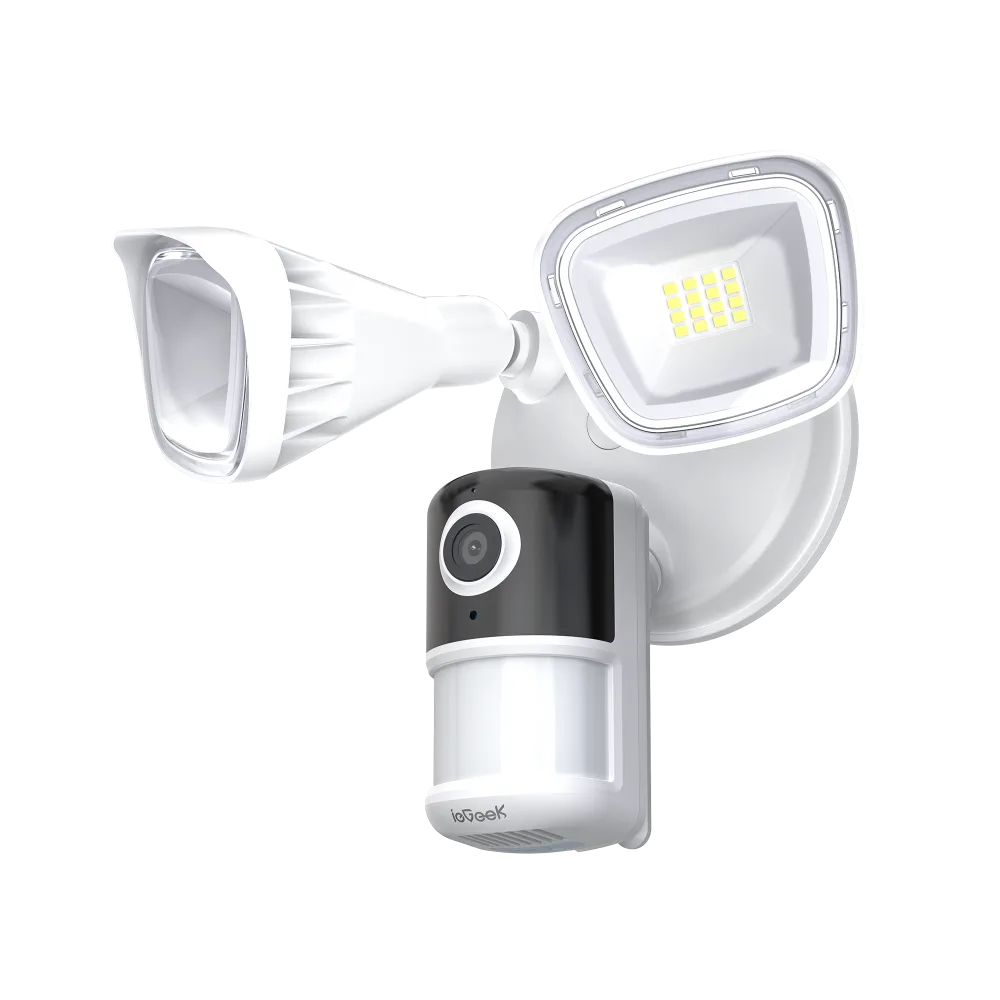
5. Floodlight Camera ZY-E2, when there is an outlet
Two adjustable floodlight heads with a camera beneath, wired to mains. If you have an existing exterior fitting to replace, this is the easiest good decision in the whole range, because it deletes the entire power problem this article has spent its length on. Bright light is also a more effective deterrent than a camera lens, which nobody can see from the street.
Skip it if: there is no fitting and no appetite for an electrician. Running a new outdoor circuit costs more than the camera.
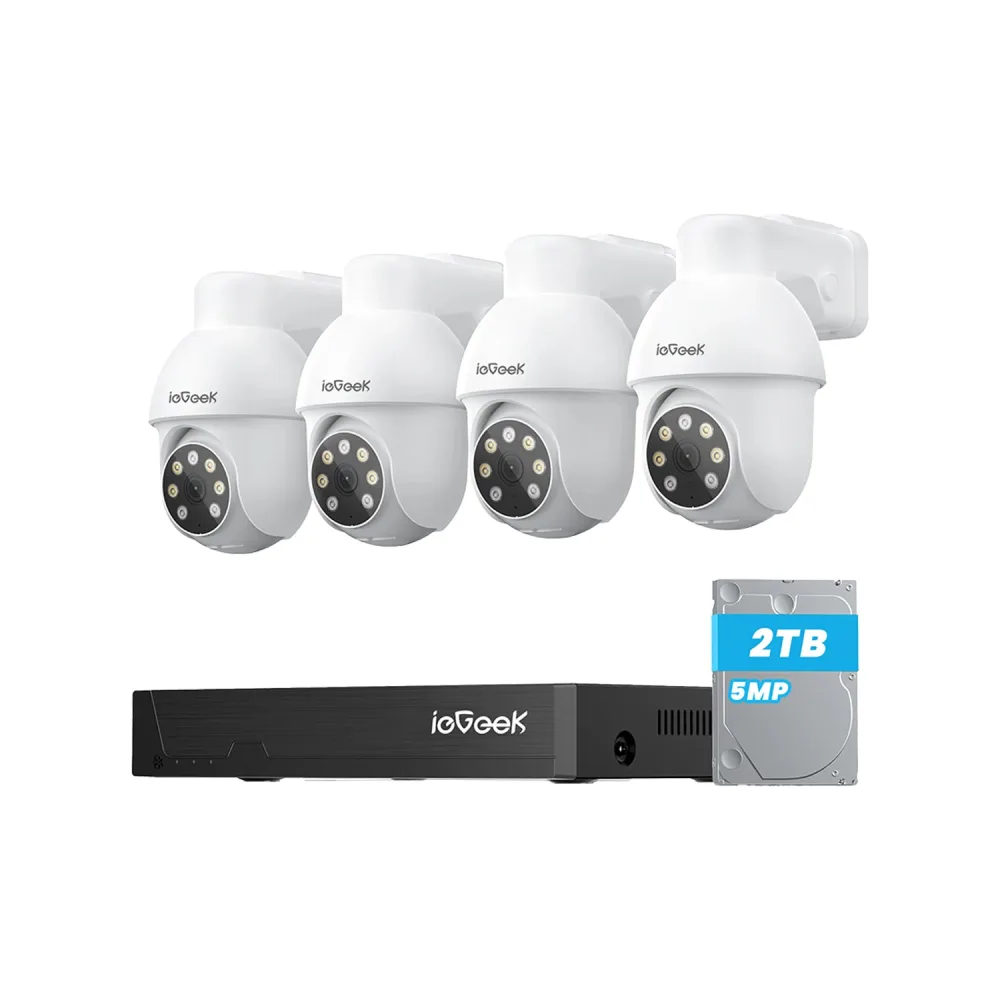
6. POE System IE92, the one that actually records all day
Four cameras, a recorder and a drive, each camera carrying power and data on a single Ethernet run. The brand lists this configuration with a 2TB drive and 5MP cameras. This is the only arrangement in the catalog where continuous recording is unremarkable rather than ambitious, because nothing is rationing power and nothing is competing for your home WiFi.
The cost is cable. Someone has to pull Ethernet to four positions, and in a finished house that is the whole project.
Skip it if: you rent, or you are not willing to run cable. For renters the battery and solar models exist precisely because this one is impossible.
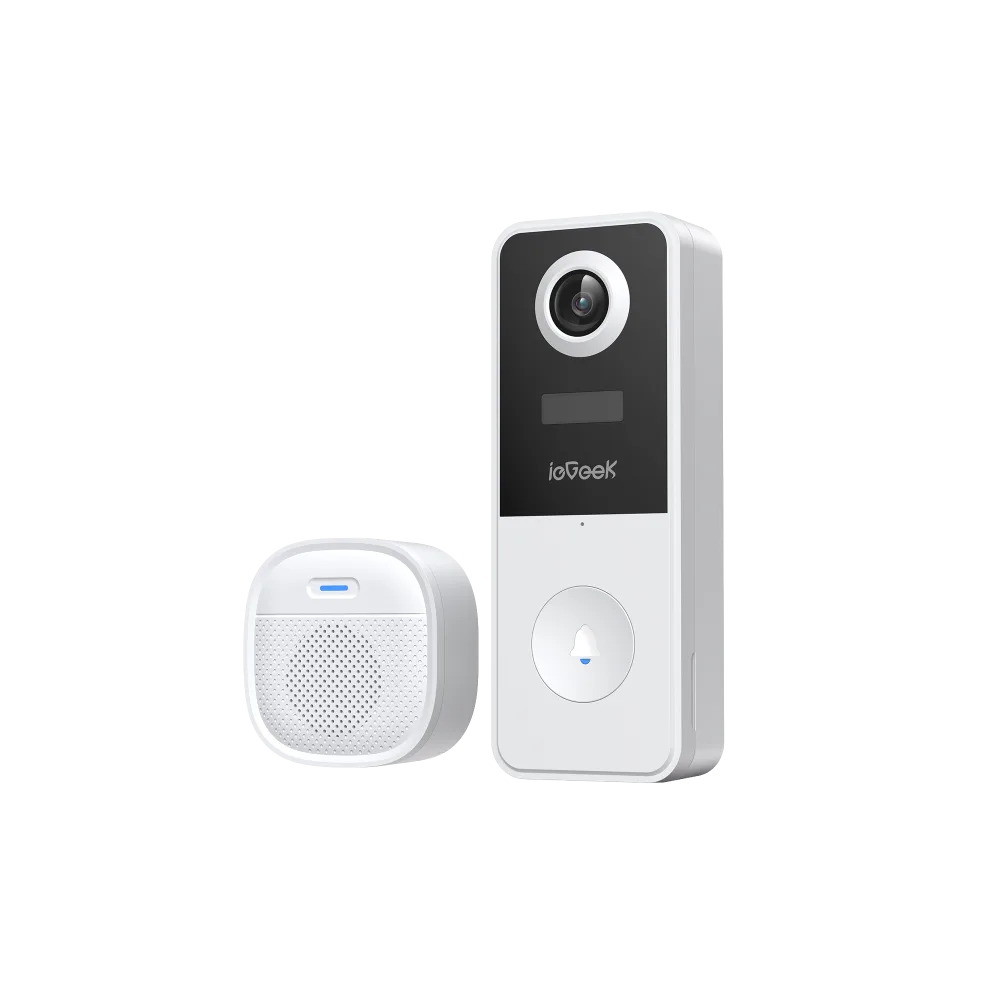
7. Doorbell Camera Bell J10, for the front door
A doorbell sits in the one outdoor spot where the use case is narrow and well understood: see who is there, speak to them, keep a record of the parcel. The bundled plug in chime matters more than it sounds, because a doorbell whose only alert is a phone notification is a doorbell you will miss.
This is also the product in the range where the audio consent point above applies most directly, since a front door camera routinely records people who have not chosen to be recorded.
Skip it if: you want a yard view. A doorbell is a narrow, close range device by design, and it is the wrong tool for covering a driveway.
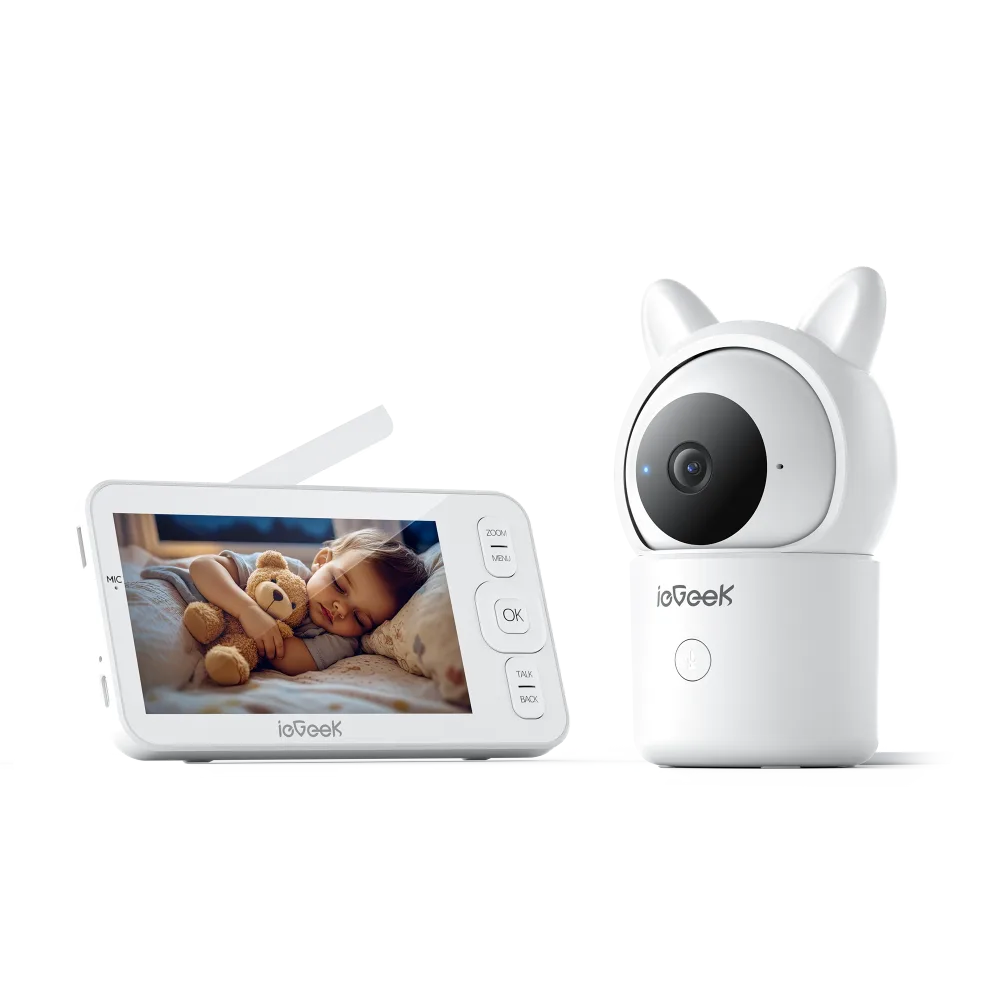
8. Baby Monitor Baby 7, for a nursery
The monitors pair a pan and tilt camera with a dedicated handheld screen instead of routing everything through an app. For a nursery that is the right design: the screen is always on and always the same, it does not depend on your home WiFi or a cloud account, and it does not compete with notifications.
Please read the safety note near the top of this guide again before buying one. A monitor shows you a picture. It does not watch your child, it does not monitor breathing, and it is not a medical device. Mount the camera and route its cable so that no cord can be reached from inside the crib.
Skip it if: you want to check in from work. A dedicated screen is a local device, and an indoor camera with an app suits remote viewing better.
Frequently asked questions
Will a solar camera really run all year without charging?
On a sunny, unobstructed, south facing wall with motion triggered recording, most likely yes. On a shaded or north facing wall, through a dark winter, or with continuous recording switched on, owner reports in this category say no, and that is the single most common complaint. Plan for a USB top up in deep winter and you will not be disappointed.
What is the difference between the solar models and the 4G models?
Solar is about power and 4G is about the network. They are independent questions, and several models do both. If the spot has no outlet you want solar. If it has no WiFi you want cellular. If it has neither you want a model that is both, and you should expect to pay for a data plan.
Do I need a subscription?
The cameras record to a microSD card you buy separately, and cloud storage is a paid extra. Beyond that the public accounts genuinely conflict, as set out above, so check which features the specific product page ties to a plan before you order.
Can these record continuously?
Some models are built for it and are labelled accordingly. Whether they sustain it depends entirely on power. On mains or PoE, yes, routinely. On battery and solar, only in good conditions, and it is the fastest way to flatten a battery.
Will they work with Alexa or Google Home?
Some models in the range advertise Alexa compatibility. Check the individual listing rather than assuming it applies across the catalog, because support varies model by model in ranges like this one.
Is a camera enough to secure a property?
No. A camera records what happened and may discourage an opportunist. It does not call anyone, it does not lock anything, and it has several ways to be offline. Good locks, lighting and, where it matters, a monitored alarm do the work that a camera cannot.
Final thoughts
If there is an outlet anywhere near the spot you care about, use it. The Floodlight Camera ZY-E2 on an existing exterior fitting, or the POE System IE92 if you are willing to pull cable, sidestep every power compromise in this guide, and the PoE system is the only option here that handles continuous recording as routine rather than as a stretch.
If there is no outlet, the Solar Security Camera ZS-GX1S is the sensible default for a yard, as long as you are honest about how much sun the wall actually gets. For a dark path where light matters as much as footage, the Solar Wall Light Camera S4 does both jobs from one fitting, provided the top of it can see sky.
If there is no router either, that is where this brand earns its place. The 4G LTE Security Camera S11 covers a gate or an outbuilding that nothing else reaches, and the 4G 24/7 Recording Camera ZY-G4 is the one to pick when you need an unbroken record off grid, with the clear warning that continuous capture on solar is the most demanding thing in this catalog. For the front door the Doorbell Camera Bell J10 with its plug in chime is the straightforward answer, and for a nursery the Baby Monitor Baby 7 gives you a dedicated screen instead of another app.
The one thing I would not do is choose by photograph. Several of these cameras share a body, and the difference between the one that suits your wall and the one that will frustrate you for a year is a line of text on the listing, not anything you can see.
Check current prices at ieGeek
Catalog of 44 listings surveyed from ieGeek’s own storefront in October 2026; specifications and the ZY-G3 pricing are the brand’s published figures, captured in October 2026, and promotional pricing on this catalog changes often, so confirm on the product page before ordering. Owner feedback drawn from Trustpilot, Walmart customer reviews and Apple App Store reviews; the 2.4GHz, range and digital zoom observations come from a published ZS-GX1S review. Solar performance in cold and low light reflects general photovoltaic and lithium battery behaviour rather than measurements of these specific units. Product images are the brand’s own listing photography. This guide has no relationship with ieGeek beyond the affiliate link disclosed above, and no unit was supplied for review.



Write Your Review
No reviews yet. Be the first to share your experience!