

Every demo of an AI app builder shows you the same thirty seconds. Somebody types a sentence, an agent thinks out loud, and a working app appears. What no demo shows you is the bill.
That matters more here than in most software categories, because Emergent does not charge you for a seat. It charges you for actions. Planning, building, fixing, reviewing and deploying all draw from a monthly credit allowance, which means the question is not whether the agent can build the thing you have in mind. It usually can. The question is whether it can build it inside a budget you are able to predict before you start.
So this guide does two things. It maps the kinds of projects this platform handles well against the ones where the economics turn against you, and it sets out what the credits actually cost using the company’s own published pricing. If you only read one section, read the one on credits.
Quick Picks
| If you want to build… | Fit | Credit appetite |
|---|---|---|
| An internal admin tool or dashboard | Strongest | Low, scope is fixed |
| A client portal for a service business | Strong | Low to moderate |
| A booking or scheduling site | Strong | Low to moderate |
| An invoicing or quoting tool | Strong | Low |
| A marketing site or landing page | Good, but overkill | Low |
| Forms, surveys and quizzes | Good | Lowest |
| A multi tenant SaaS product | Possible, demanding | High and hard to predict |
| Custom AI agents and automations | Possible, Pro tier | High |
Plans, credit allowances and feature lists below were taken from the company’s own pricing page in October 2026. Pricing in this category changes frequently, so confirm on the page before committing.
What the credits actually cost
Here is the published structure, with the arithmetic that the pricing page does not do for you.
| Plan | Monthly | Annual rate | Credits per month | Cost per credit |
|---|---|---|---|---|
| Free | $0 | — | 10 | — |
| Standard | $20 | $17 | 100 | about 20 cents |
| Pro | $200 | $167 | 750 | about 27 cents |
| Business | Custom | — | — | — |
| Enterprise | Custom | — | — | — |
Pro costs ten times as much and gives you seven and a half times the credits
That is the single most useful fact on this page and it is simple division. Standard is twenty dollars for a hundred credits, which is twenty cents each. Pro is two hundred dollars for seven hundred and fifty credits, which is about twenty seven cents each. On the annual rate the gap narrows slightly and it does not close.
Read that the right way round. Pro is not the volume discount it looks like. Per unit of work you buy, it is roughly a third more expensive than Standard. What Pro actually sells you is capability: a one million token context window, the deeper reasoning mode, the ability to edit the system prompt, custom agents, higher performance compute and priority support. Those are real things and some projects need them. But if your reason for upgrading is “I keep running out of credits”, you are paying a premium rate to solve a volume problem, and buying additional credits on Standard deserves a look first.
Credits used are not coming back
Spent credits are consumed, and reviewers report refund requests being declined or promised and not followed through, including at least one account of being charged after cancelling. Separately, the company replies to most negative Trustpilot reviews with a near identical template pointing to a trust address or a form, which is a reply rather than a resolution. None of this means you will have a billing problem. It does mean you should regard the monthly fee as spent the moment you pay it, and should not put a budget on this that you would need back.
Before you put real users on it
An agent built app with sign in and a database is still an application holding other people’s data, and the responsibility for that data is yours regardless of who wrote the code. Three things are worth settling before a real user account exists.
Can you get the code out? GitHub integration appears on the Standard plan and above, not on the free tier. So anything you build while evaluating for free lives where it was built. If owning the source matters to you, and for anything you intend to run as a business it should, that alone decides which plan you start on.
Who can see the data? Self hosted database support, deployment into your own cloud and audit logs are Enterprise tier features. On every plan below that, your application and its data run on the provider’s infrastructure under their terms. That is normal for hosted platforms and it is still worth knowing before you collect anything sensitive.
Has anyone read the auth code? An agent will happily generate a login screen, a database and an API in one pass. Generated authentication and access rules are exactly the kind of code that looks finished and can be wrong in ways a working demo does not reveal. Before real accounts exist, have someone who reads code check how records are scoped to users. If nobody on the project can do that, keep the tool for internal work where every user is already trusted.
The eight project types, and how each one fits
1. Internal admin tools and dashboards
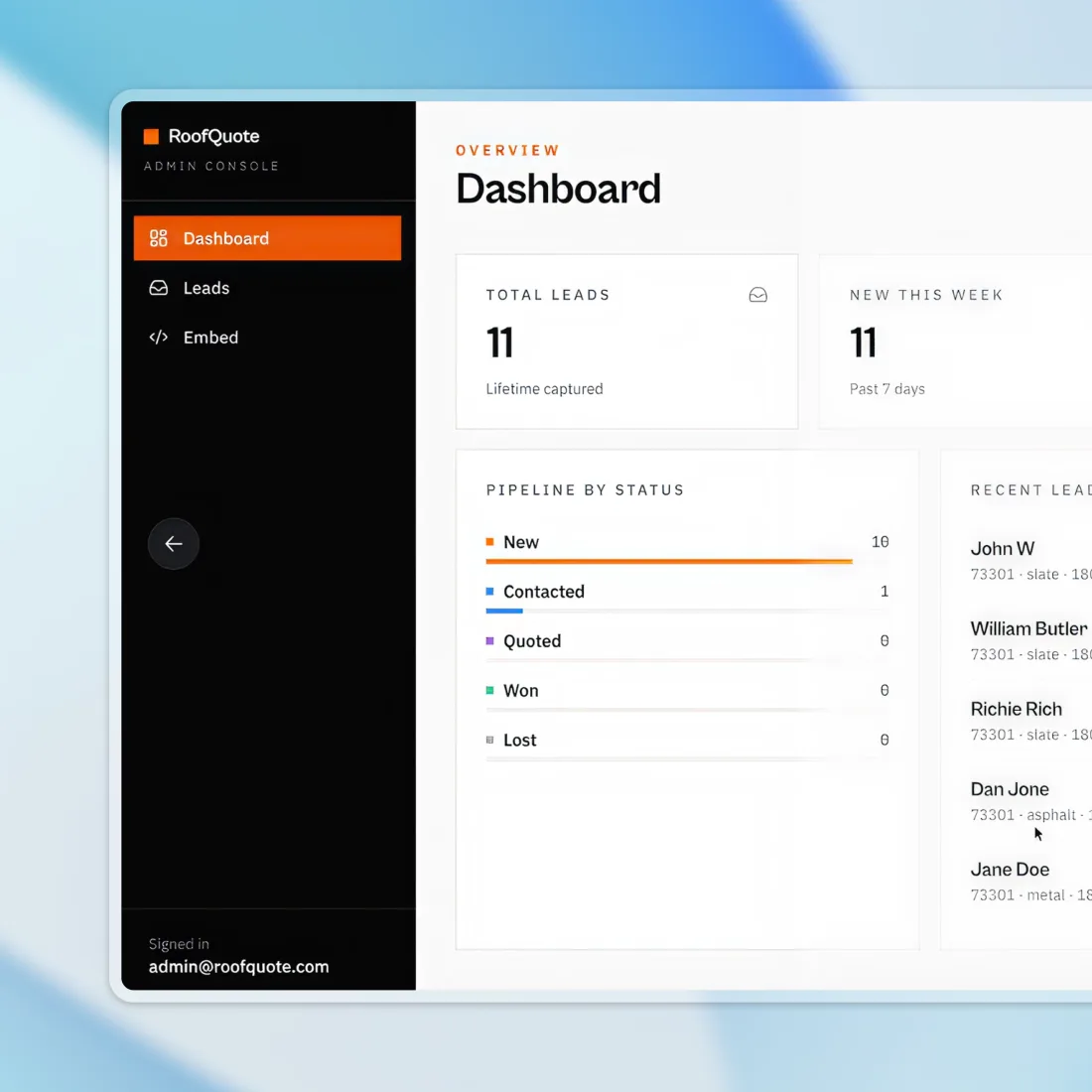
This is the strongest fit in the whole catalog and it is where I would point anyone evaluating the platform. An internal dashboard has a small number of entities, a known set of users who are all colleagues, no public traffic, no marketing requirements and no brand risk if a button is ugly. The scope is naturally fixed, which is the property that keeps credit spend predictable.
Skip it if: an off the shelf tool already does it. A spreadsheet, a no code database or an existing CRM costs less than building and maintaining your own.
2. Client portals for service businesses
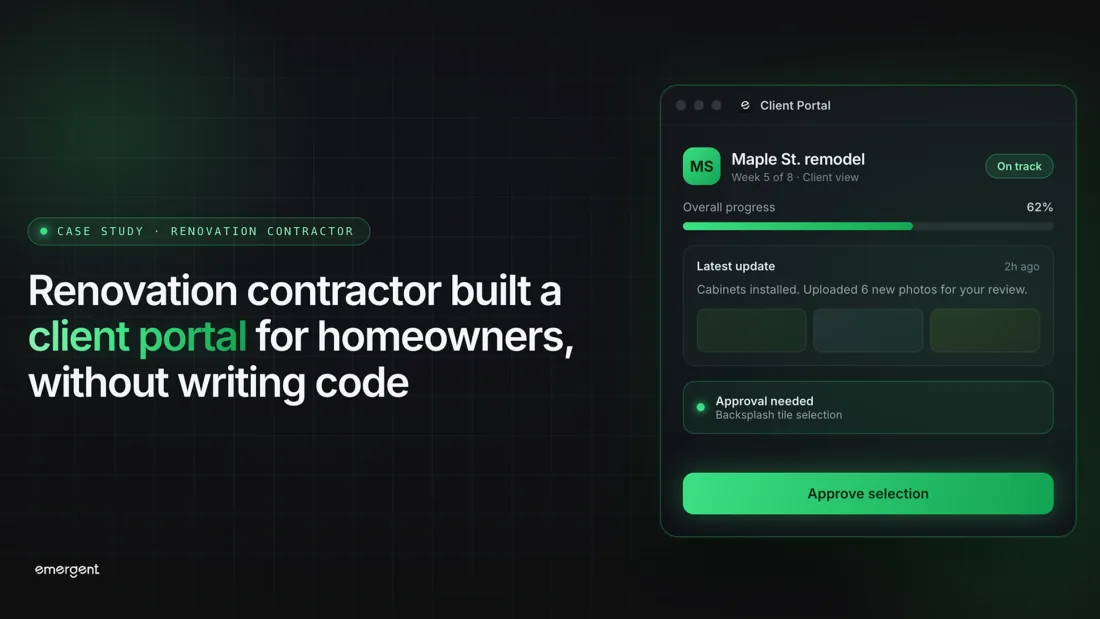
A contractor, agency or consultancy giving each client a page showing progress, documents and approvals. The requirements are modest and stable, the user count is small, and the alternative is usually email threads, so the bar to clear is low. Access control is the part to check carefully, because the entire point is that client A cannot see client B.
Skip it if: you have not worked out the permission model on paper first. A portal that leaks one client’s data to another is worse than no portal.
3. Booking and scheduling sites
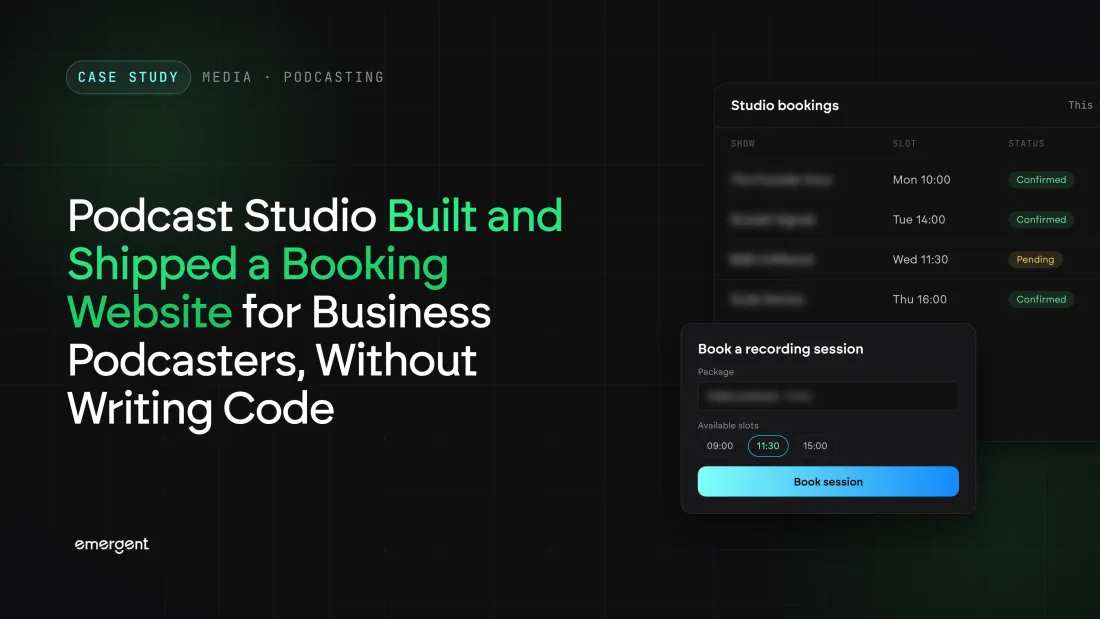
Taking appointments against availability, with confirmations. This works, and it is also the category where established products are strongest and cheapest, so the honest advice is to build only if your booking rules are genuinely unusual. If they are standard, you are rebuilding something that already exists for a few dollars a month.
Skip it if: an existing booking product fits with minor compromises. Taking payments adds real complexity, and payment flows are the last thing you want to debug by prompt.
4. Invoicing and quoting tools
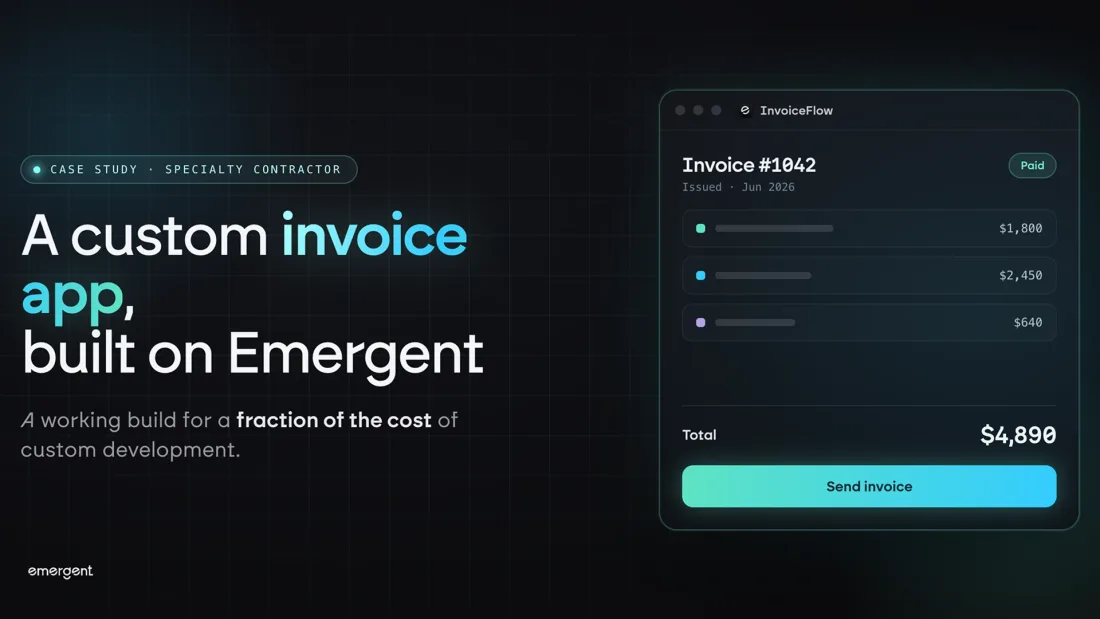
Small, numeric, mostly internal, and often shaped around a quirk of one trade that generic software handles badly. That specificity is the legitimate reason to build rather than buy. Keep the money calculations simple and check the arithmetic yourself; an agent will produce a total that looks right on the demo data you gave it.
Skip it if: it needs to file anything with a tax authority. Compliance rules change and a bespoke tool will not change with them.
5. Marketing sites and landing pages
Entirely achievable, and close to the weakest argument for this platform. A full stack agent building a brochure site is an expensive way to produce something a template, a site builder or a static generator produces for far less, with better editing afterwards and no credit meter running when you want to change a headline.
Skip it if: the site is mostly text and images. Use a website builder and spend the credits on something that needs a database.
6. Forms, surveys and quizzes
The cheapest thing on this list in credit terms and a sensible first project precisely for that reason. Build one on the free tier to learn how the platform behaves, how it handles a change request, and what the metering looks like against real usage, before committing to anything larger.
Skip it if: a dedicated form product covers it, which it usually will. Use this as the evaluation project rather than the destination.
7. Multi tenant SaaS products
Possible, and the single most expensive way to find out whether the credit model works for you. A SaaS product is not a bigger app, it is a different category of problem: tenant isolation, billing, subscription states, onboarding, permissions and the long tail of edge cases that only appear with real customers. Each of those is a place where a fix can introduce a fault somewhere else, which is the loop described above, and that loop is paid for by the attempt rather than by the result.
Some owners do report running real businesses built this way, and I have no reason to doubt them. Go in understanding that you are taking on the maintenance of a codebase you did not write, so get it into GitHub from the first day.
Skip it if: you cannot read the code at all, or you have no budget headroom beyond the subscription. This is the project type where the billing complaints in this guide are most likely to become yours.
8. Custom AI agents and automations
Building agents and workflow automations, with custom agents and system prompt editing sitting on the Pro tier. The integration catalog is the real asset here, covering payments, messaging, email, storage, the major workspace suites and managed databases, which is what turns an automation from a demo into something connected to a business.
Skip it if: a dedicated automation platform already connects the tools you use. Paying two hundred dollars a month for agent building when a workflow tool would do is a common and expensive mistake.
Frequently asked questions
Is the free plan enough to evaluate it properly?
It is enough to see how the agent behaves and whether you like working this way, which is the thing worth finding out. It is not enough to ship, since ten monthly credits is a small allowance and deployment is reportedly expensive. Build a form or a small internal page on it, watch the meter, then decide.
Should I go straight to Pro?
Only if you need the Pro features themselves, meaning the large context window, custom agents, system prompt editing or priority support. If you simply need more credits, note that Pro costs more per credit than Standard, so compare it against buying extra credits on the cheaper plan.
Do I own the code?
GitHub integration is available from Standard upward, so from that tier you can get the source into a repository you control. Do it early rather than at the point you need it.
Is it safe to collect customer data in an app built this way?
It can be, and it is your responsibility rather than the platform’s. Have someone read the generated authentication and data access rules before real accounts exist. If nobody involved can do that, restrict the tool to internal users.
What is the most common complaint?
Billing, by a wide margin. Unpredictable credit consumption, credits spent on repeated failed fixes, and difficulty obtaining refunds. Output quality is criticised far less often than cost is.
How do I keep the cost under control?
Scope narrowly, build in small steps you can check, stop after two failed attempts at the same fix, deploy deliberately rather than often, and set a hard monthly limit you are willing to lose before you start.
Final thoughts
The thing this platform is genuinely good at is the internal tool: a focused admin dashboard, a client portal, a quoting or invoicing tool, the kind of small application a business needs, cannot justify paying a developer for, and currently runs on a spreadsheet. The scope is bounded, the users are known, nothing is public facing, and the credit spend stays in a range you can predict. If that is your situation, this is a reasonable thing to try.
Start with a form or a small internal page on the free tier, not because it is the interesting project but because it is the cheapest way to learn how the metering behaves against your own working style. If it suits you, Standard is the plan that makes sense for most individuals, and it is also where GitHub access begins, which is the point at which you actually own what you have made.
Be much more careful with the multi tenant SaaS route. It is the project type where the complaints documented here are most likely to land on you, because it has the most places for a fix to break something else, and every attempt is billed whether or not it works.
And read the published review profile as information rather than noise. A Trustpilot average under three, with something close to half of reviews at the bottom of the scale, is not what a product with a solved billing model looks like. That does not make the software ineffective, and plenty of owners are happy with what they built. It does mean the sensible way in is a small project, a hard budget, and no expectation that money spent is money you can get back.
Plan names, prices, annual rates, credit allowances and feature lists were taken from Emergent’s own pricing page in October 2026; the cost per credit figures are my own arithmetic from those published numbers. The Trustpilot average of about 2.8 and the share of one star reviews come from a third party review roundup dated October 2026 and could not be confirmed on Trustpilot directly. The figure of roughly 50 credits per deployment comes from an independent review and is not a published company figure. Owner comments on credit consumption, repeated failed fixes, refunds and cancellation come from Trustpilot reviews. Images are Emergent’s own marketing and case study graphics; customer case study images featuring identifiable individuals have been deliberately left out. No account was supplied for this review and nothing here was produced with a paid plan. This guide has no relationship with Emergent beyond the affiliate link disclosed above.





Write Your Review
No reviews yet. Be the first to share your experience!